Show homeowners exactly what their deck will look like - in 60 seconds, from a phone, for $149/mo.
Built for independent deck builders. No CAD skills. No hour-long training. Upload a backyard photo, describe the deck, send the render to your client before the other guy even emails his quote.
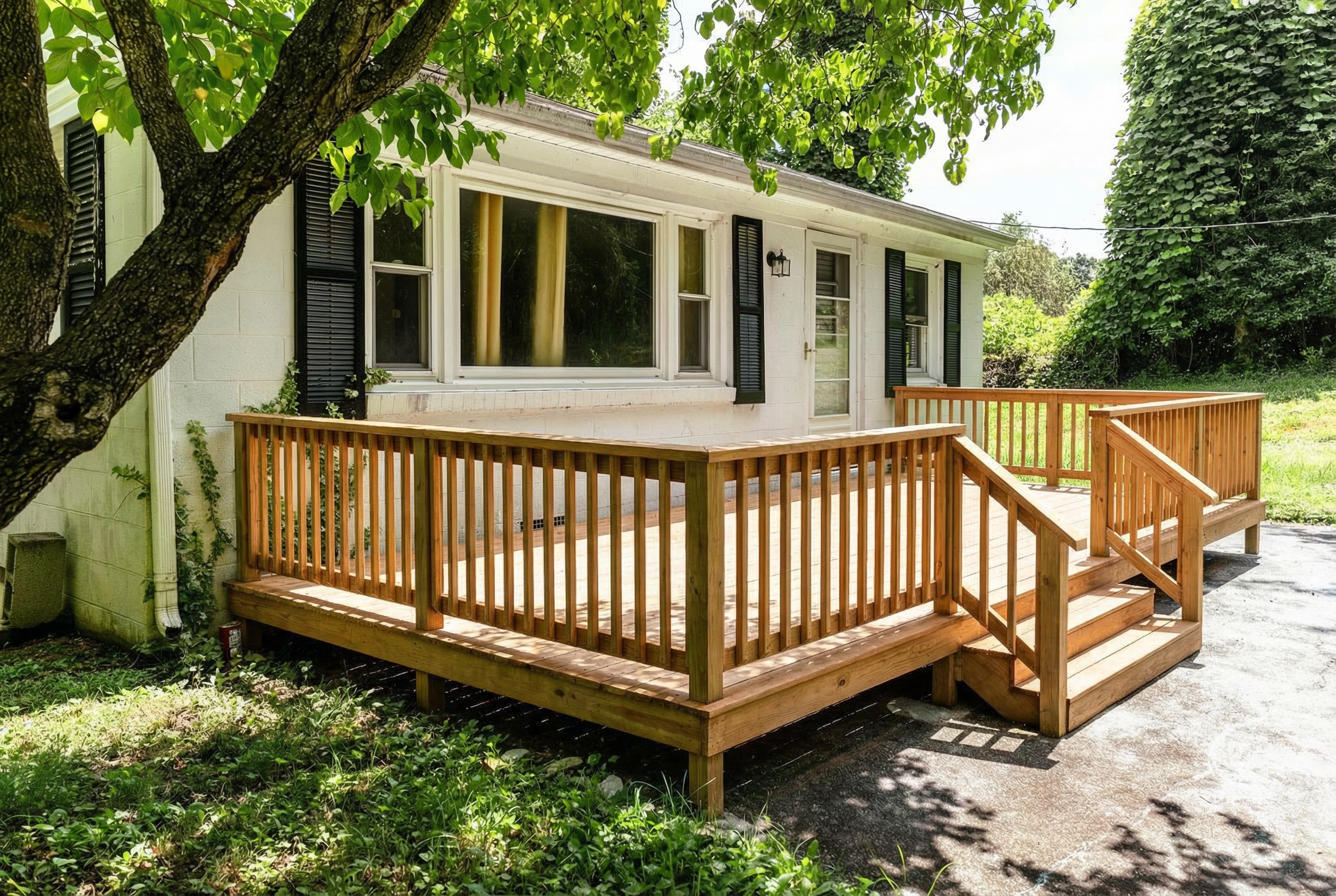
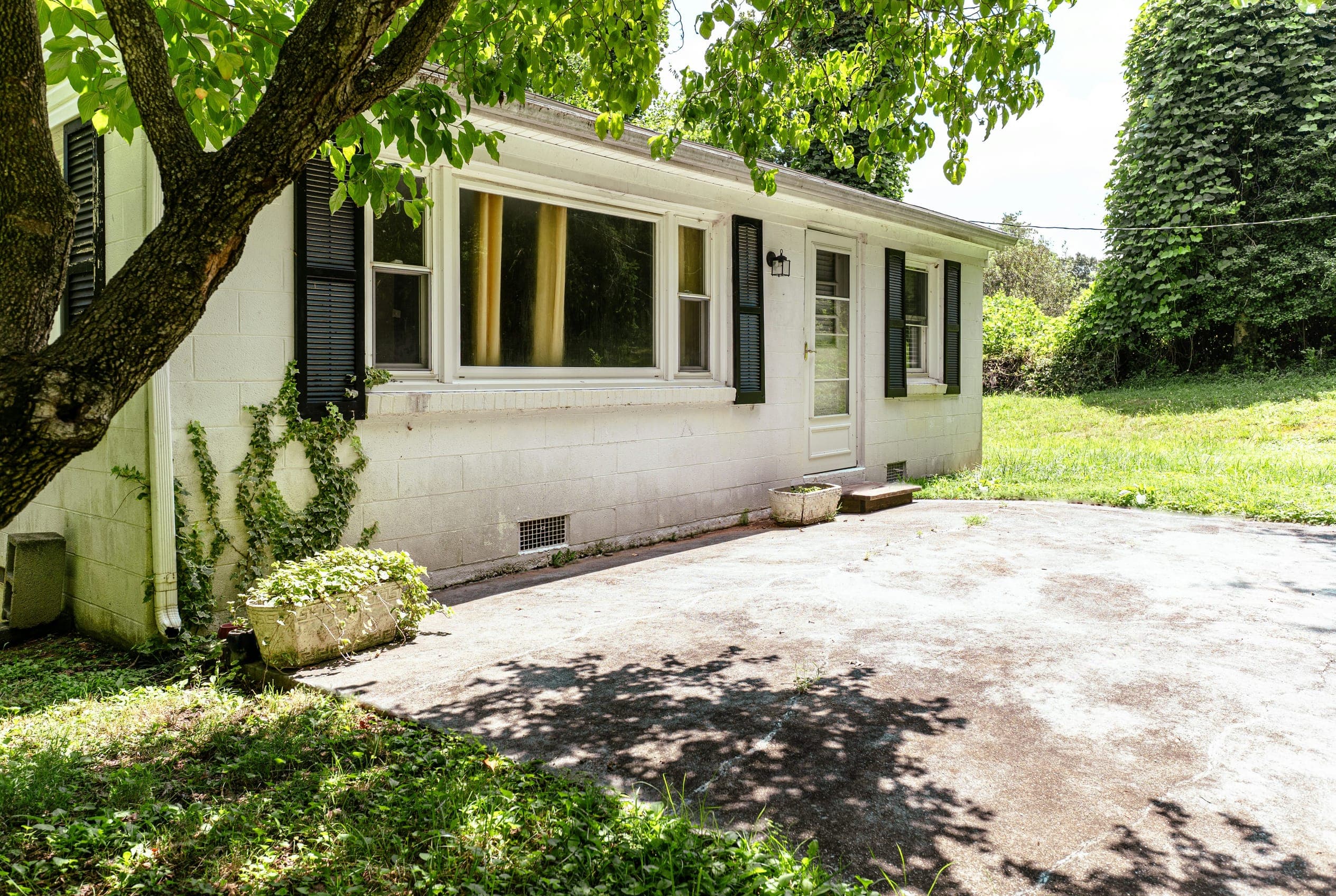
Drag to compare the original photo with the render.
Stop losing jobs to contractors with better presentations
Without DeckVisionAI
With DeckVisionAI
Without DeckVisionAI: Clients can’t picture it
You describe cedar railings and a raised platform - they hear risk and uncertainty. Without a visual, they default to “let me think about it.”
With DeckVisionAI: Clients see their future deck in a real photo
Hand them a photorealistic render of their own backyard with the deck already in it. Suddenly it’s not imaginary - it’s real, and they want it.
Without DeckVisionAI: Renders cost hundreds and take days
Hiring a designer or wrestling with 3D software for every quote eats your margin and kills your turnaround time.
With DeckVisionAI: Renders generated in 60 seconds
Snap a photo with your phone, describe the deck, and the AI delivers a realistic visualization while you’re still on site with the client.
Without DeckVisionAI: Quotes look unprofessional
A price scribbled on a notepad or a plain email can’t compete with a competitor who hands over a polished, branded proposal.
With DeckVisionAI: Walk away with a signed proposal the same visit
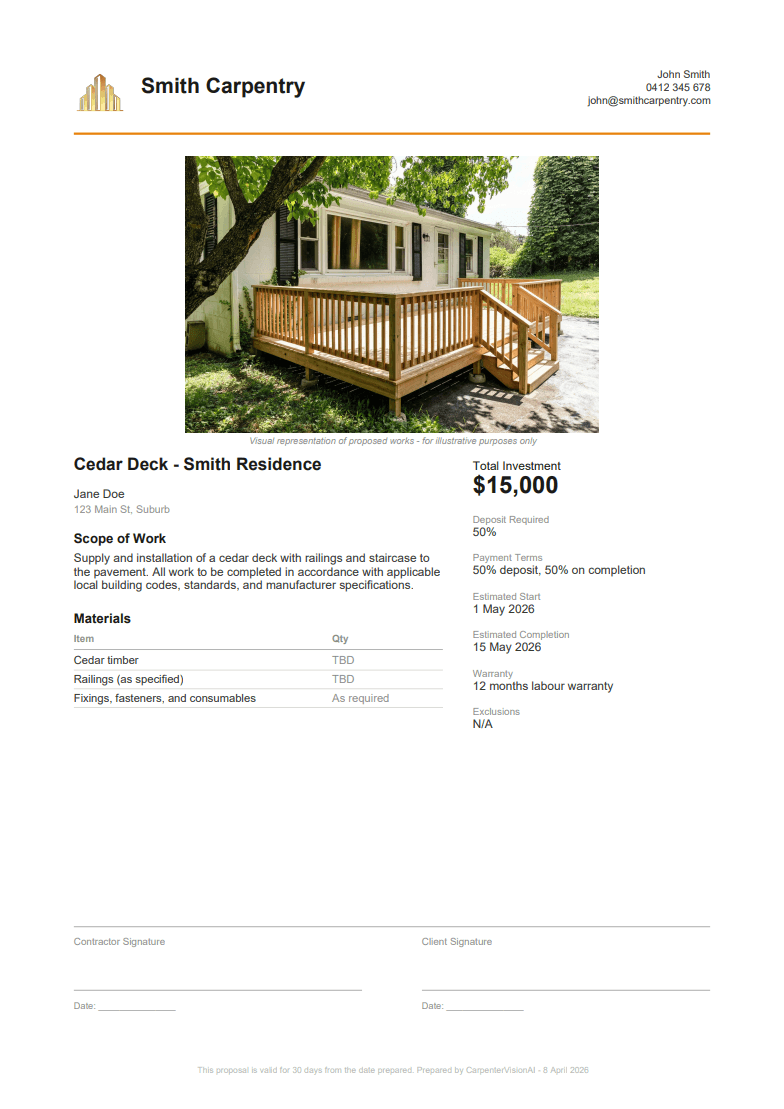
Auto-generate a branded PDF proposal with your render, materials list, pricing, and signature lines - ready to close on the spot.
From photo to proposal in 3 steps
No design skills needed. No software to install. Just your phone and two minutes.
Step 01
Upload a photo
Snap a photo of the client's backyard with your phone and upload it. That's all the AI needs to get started.
A cedar deck with railings and staircase to the pavement
Step 02
Mark and describe the deck
Mark the placement of your deck and tell the AI what to build - materials, railings, height, stairs.
Step 03
Win the job
Download your photorealistic render and generate a branded PDF proposal with pricing, materials, and signature lines.
How we compare
The cheapest way to put a photorealistic render in front of a client.
DeckVisionAI
Hiring a designer
3D software
Price
$149/mo, unlimited renders
Hundreds per render
License fee, plus weeks of your time
Time to first render
60 seconds
Days
Days
Back-and-forth on changes
Seconds
Days
Hours
Training required
None
None
Weeks
Render while you're on site
Yes
No
No
Branded PDF proposal
Included
No
No
Built for how contractors actually work
Every feature is designed around the real workflow - from the first site visit to a signed contract.
DeckStairs
Draw exactly where you want the deck placed
Use the built-in drawing tool to highlight the exact area on the photo where the deck should go.
The AI respects your boundaries precisely - no guesswork, no misplaced renders.
Perfect for tricky sites with slopes, existing landscaping, or specific client requests about placement.
Skip this step if you prefer to let the AI figure out the best position automatically.
Photorealistic renders from a single phone photo
The AI matches the exact lighting, perspective, and camera angle of your original photo, then composites the deck so seamlessly it looks like a real photograph of the finished build.
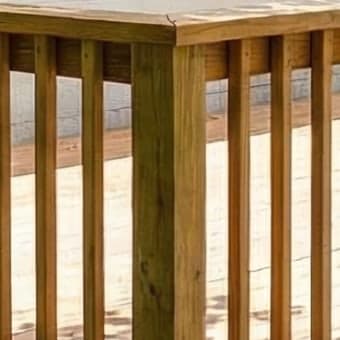
Clients see hardwood grain, railing shadows, and natural blending with the existing yard - not a cartoon mockup.
Supports every deck style: ground-level, raised, multi-tier, with pergolas, cable railings, timber balustrades, and more.
1Company logo
5Materials list
6Signature lines
2Render
3Pricing
4Payment terms
Company logo
Render
Pricing
Payment terms
Materials list
Signature lines
Branded PDF proposals generated instantly
Turn your render into a professional proposal with one click.
The PDF includes your company logo, the AI render, an auto-extracted materials list, pricing breakdown, payment terms, and signature lines for both you and the client.
Choose from preset payment structures - 50/50 split, 30/40/30 milestones, or full on completion - or write your own terms.
One render can pay for a year
If a single render helps you close one extra job this month, the tool has already paid for itself many times over.
Use it on 3 real bids in 60 days. If it doesn't help you close one, full refund - no questions.
Frequently asked questions
Everything you need to know before your first render.
How does the $1 trial work?
You enter your card details and get charged $1 today. You have 14 days of unlimited renders and PDF proposals. On day 15, your card is charged $149/month. You can cancel anytime from your account settings - if you cancel before day 15, you won't be charged the $149.
How realistic are the AI renders?
The renders are photorealistic - the AI matches the lighting, shadows, and perspective of your original photo, then composites the deck with natural wood grain, accurate railing details, and seamless blending with the existing yard. Most clients can't tell it's AI-generated. They're presentation visuals, not engineering drawings - perfect for helping a client say yes, not for building permits.
Do I need any design experience to use this?
None at all. If you can take a photo with your phone and type a sentence like "a raised hardwood deck with black metal railings and stairs to the left," you're all set. The AI handles the rendering. The proposal builder walks you through every field with smart defaults - materials are auto-detected from your deck description.
What kind of photo works best?
A straight-on photo of the backyard or site taken in good natural lighting. The cleaner and simpler the photo, the more accurate the render. Avoid extreme angles, heavy shadows, or obstructions in the area where you want the deck placed. Any standard phone camera works fine.
Is my data private? Where are my photos stored?
Your photos are never stored on any server. They're sent to the AI model to generate the render and immediately discarded. Proposals are built entirely in your browser using local processing - when you close the tab, everything is gone. We only store your account details and subscription status.
Can I add my company logo and branding to proposals?
Yes. The proposal builder lets you upload your company logo, enter your business details (company name, contact info, license number), and all of that appears on the generated PDF. The output looks like it came from your own branded quoting system.
What if it doesn't help me close a job?
Use it on 3 real bids in 60 days. If it doesn't help you close one, reply to any email we send and we'll refund you in full - no questions.
Your next client visit could end with a signed contract
Upload a photo, generate a render, hand over a proposal - all in about two minutes.